How Tempkey works
A contractor access lifecycle in four steps: connect tools, create a grant, let reminders run, then revoke and verify.
The four steps
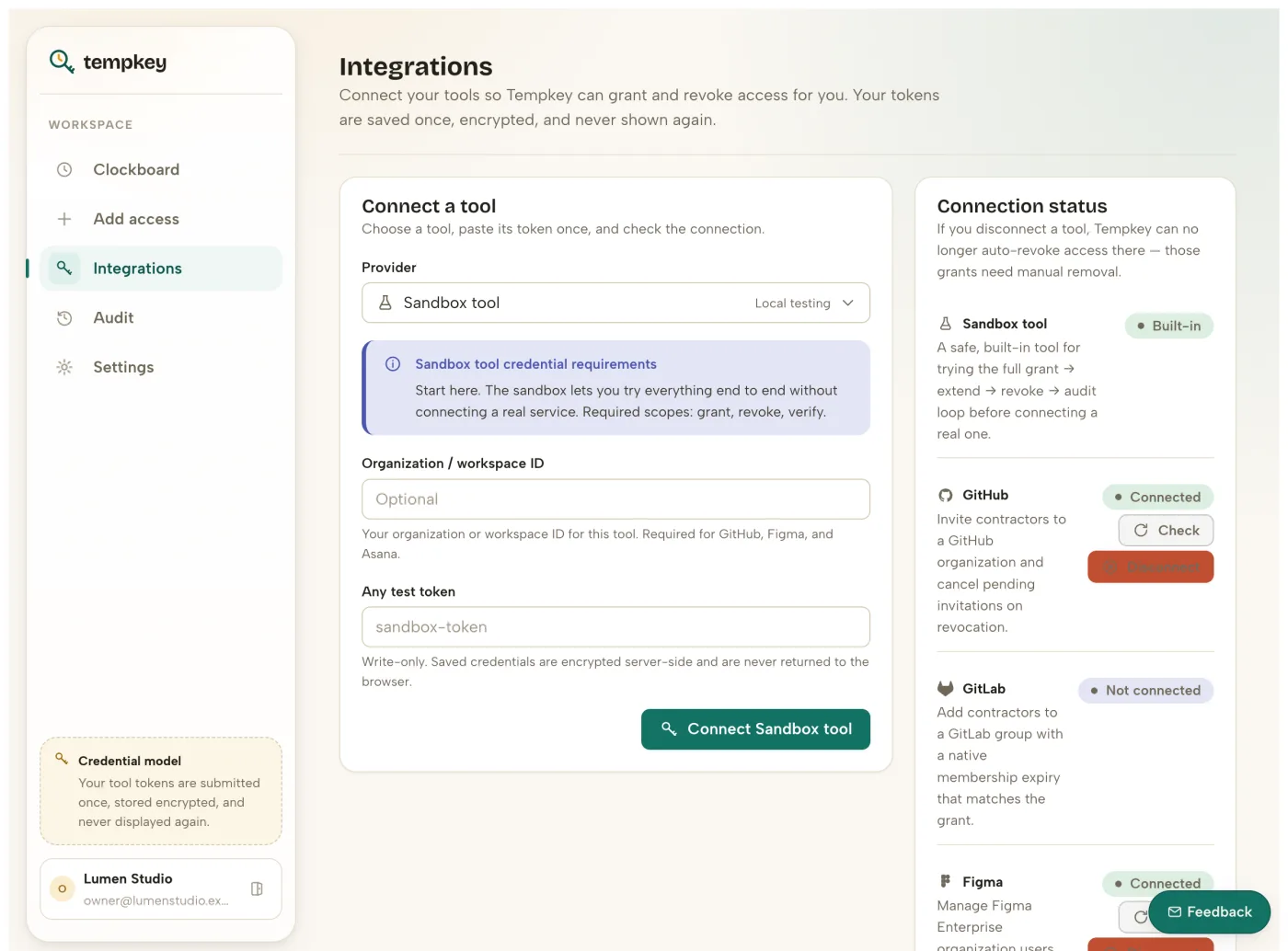
Connect tools
Bring your own admin API credentials. Secrets are write-only in the browser and encrypted by the backend.
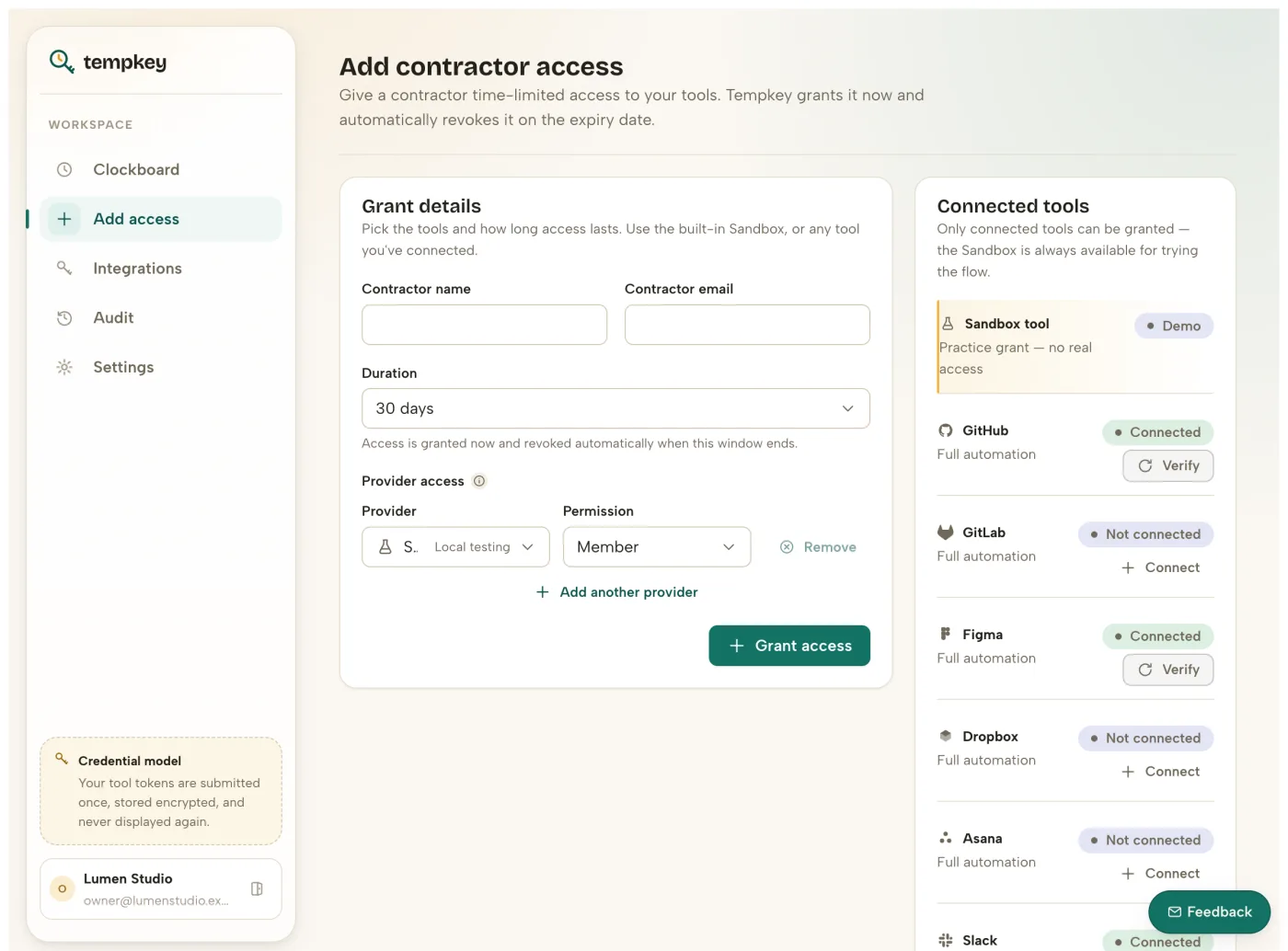
Grant access
Add the contractor, choose tools and permissions, and set 7/30/60/90-day access windows.
Warn before expiry
Notification scheduling is workspace-configurable so handoff happens before the clock hits zero.
Revoke and verify
Tempkey executes revocation, reads back provider state, and records append-only audit evidence.
One grant, every surface
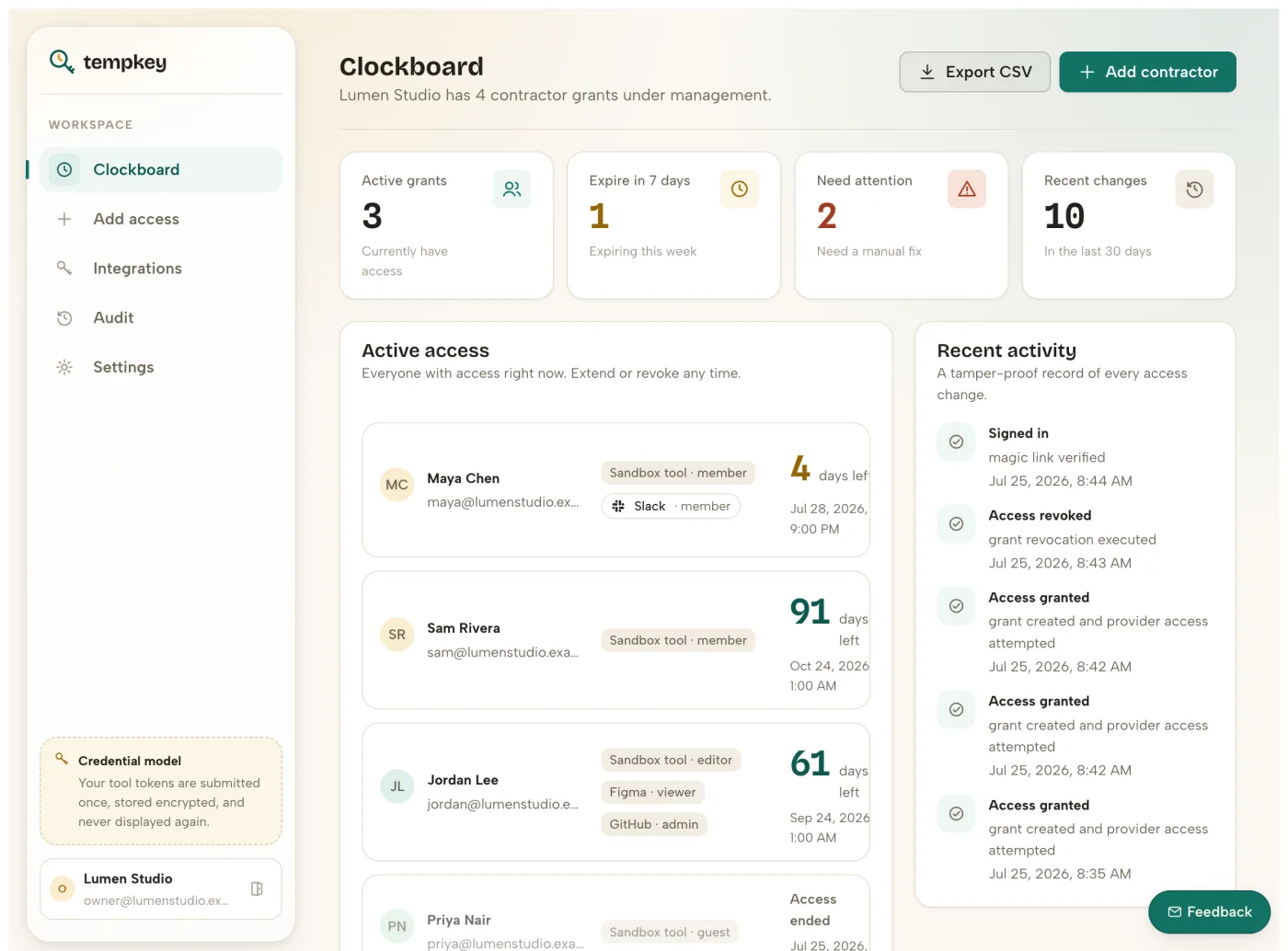
A single contractor record tracks status per tool, so a partial revoke or a degraded connection is visible at a glance instead of buried in five admin consoles.
Extend without re-work
Contract running long? Extend a grant in one click and the expiry clock, reminders, and audit trail all move with it.
Built to be checked, not trusted
Every revoke action reads provider state back before marking a grant closed, so “done” means done, not “request sent.”
10 providers are natively enforced, 2 more (Notion, and Trello) are tracked as limited-native, and Zapier/Make bridges cover the long tail as best-effort automations.